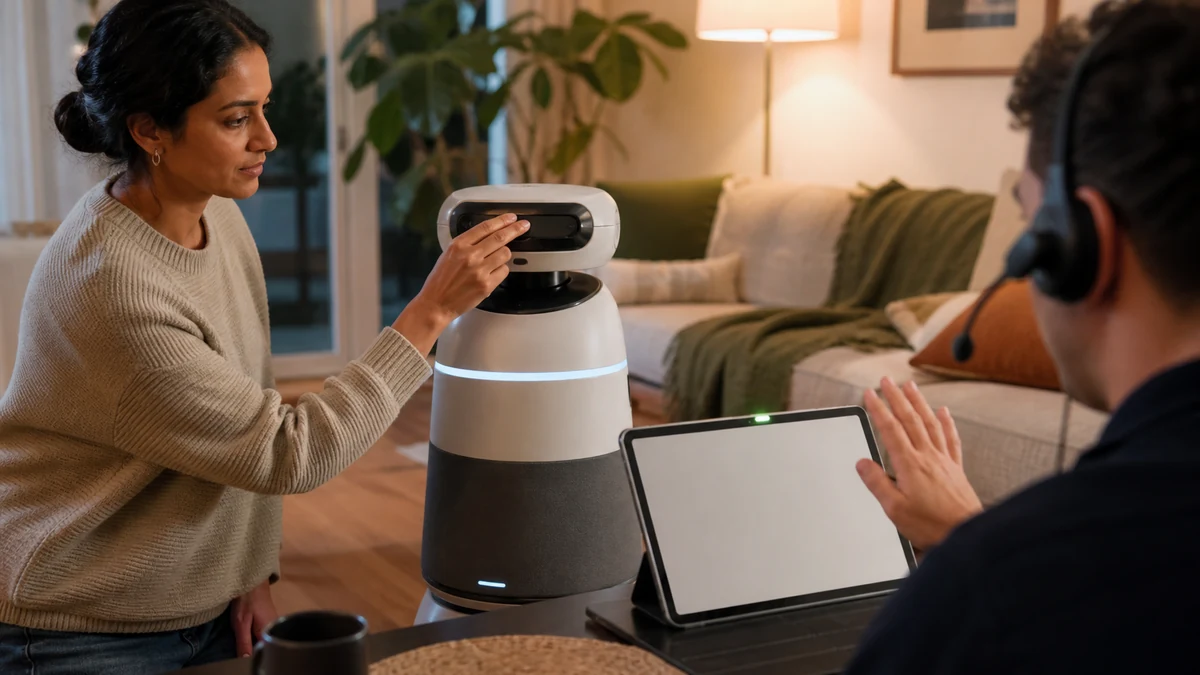
Before bringing a remotely supported robot into a home, get clear answers to five questions: who can connect, who starts or approves the session, which camera, microphone, map and control channels are available, how people nearby can see that access is active, and what session data is retained. Keep remote functions out of bedrooms, bathrooms and unconsenting situations until those controls are verified.
The current 1X NEO order page provides one concrete example: it describes scheduled Expert Mode in which a 1X expert can remotely supervise a difficult task. That does not define how every home robot works. Use the 1X NEO price and preorder guide for that product's commercial status, ROS 2 and DDS security for transport controls, and the robot OTA rollback guide for update governance.
Inventory sensing, memory and motion access—not just the camera
Unlike a fixed camera, a robot can move between rooms, turn its viewpoint and touch physical objects. A privacy review therefore covers live video and audio, maps, recognized people and objects, task histories, action commands, app accounts, cloud diagnostics and samples retained for model improvement.
Separate vendor-operated support from owner-operated remote control and automated diagnostics. A manufacturer employee or contractor guiding the robot, a household member piloting it through an app, and a device uploading logs create different access paths. Review actual data and control flows instead of relying on feature names.
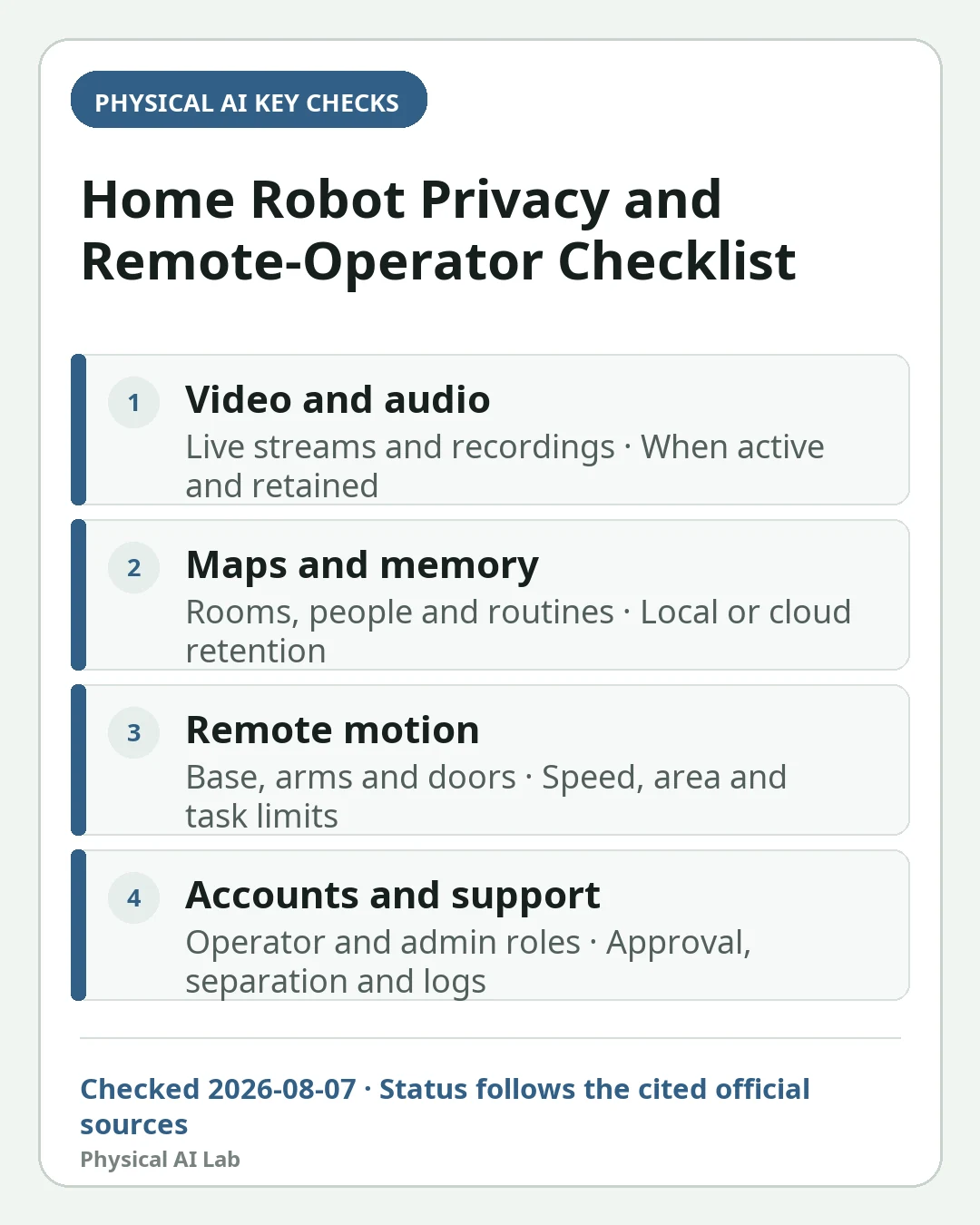
| Channel | Data or authority to check | Household risk | Question to resolve |
|---|---|---|---|
| Video and audio | Live stream, recordings, microphones | Family or guest exposure | When is it active and retained? |
| Maps and memory | Rooms, objects, people, schedules | Inference of daily routines | Local or cloud, and for how long? |
| Remote motion | Base, arms, hands, doors | Unexpected physical action | What speed, area and task limits apply? |
| Accounts and support | Operator roles and admin rights | Wrong-session or account takeover | How are approval, roles and logs enforced? |
Read commercial terms and product controls on the same date
Do not infer access limits from one marketing sentence. Where purchase terms link to a privacy policy, as the 1X legal page does, compare those documents with the live product FAQ, app controls and support material. Check what happens after cancellation, return or a policy change.
Ask for written answers about who initiates a session, whether the owner approves every connection, whether access is possible outside the reserved window, whether an emergency exception exists, where operators work, whether screens are recorded and how operator access is reviewed. Unknowns should remain unknowns, not optimistic assumptions.
Design consent for family members, visitors and workers
A purchaser's consent does not automatically represent every person who enters the home. Explain remote support and possible recording to family members, children, guests, cleaners and care workers. Provide times and spaces where the robot cannot enter or connect, plus a physical way to stop it. Legal duties vary by jurisdiction and relationship.
Treat bedrooms, bathrooms and changing areas as denied zones by default. Consider similar restrictions for rooms containing medical discussions, work screens or confidential papers. Before a support session, remove passwords, mail and sensitive displays from the camera's likely view and notify everyone nearby.
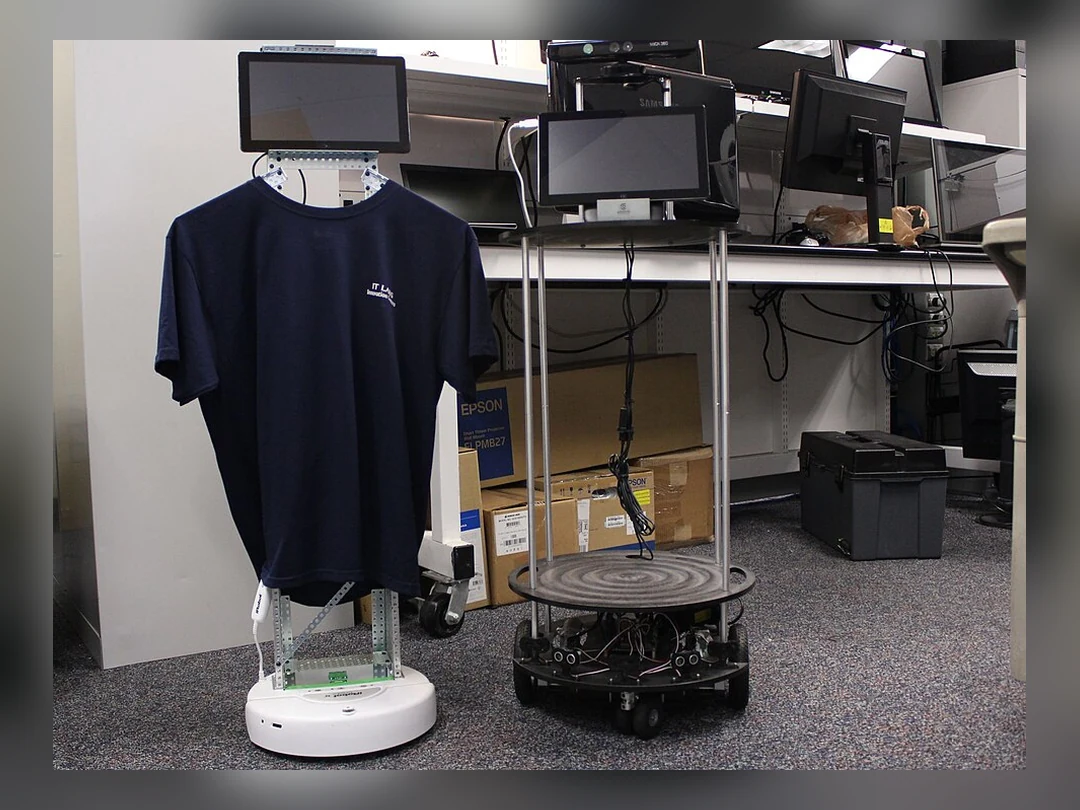

Require visible, revocable control before, during and after a session
Before connection, show the requested task, time and operator role and ask for explicit approval. During access, both the robot and the app should show a clear remote-session state. The household needs a fast way to stop video, audio and motion; a light whose meaning nobody understands is not meaningful notice.
Afterwards, confirm the start and end time, account or role used, capabilities accessed, route taken, errors and retained records. The robot should return to a defined safe state, close temporary privileges and disclose whether autonomous operation will resume.
| Stage | Household check | Product control | Evidence to keep |
|---|---|---|---|
| Before | People, rooms and task are approved | Time-bound least privilege | Request and appointment details |
| During | Indicator and task scope are visible | Separate stops for sensing and motion | Robot indicator and app state |
| After | Access closes and room is checked | Automatic logout and safe pose | Access log and task summary |
| Incident | Use physical stop and isolate safely | Report, preserve and lock account | Timeline and relevant logs |
Protect the account and network like a camera—with added motion risk
The FTC guidance for connected home cameras recommends checking encryption, unique passwords, two-factor authentication, updates, permission levels and whether remote viewing can be disabled. A mobile robot needs at least those questions because compromised access can affect both privacy and physical behavior.
Give people individual accounts instead of sharing one administrator credential. Disable unused integrations and remote features. Network segmentation can reduce lateral movement from another household device, but it must be implemented without breaking manufacturer-required safety, charging or update functions.
Ask about retention, model training and deletion by data type
A promise not to store raw video does not answer what happens to derived data. Ask separately about transcripts, maps, scene embeddings, task labels, operator notes, incident logs and samples used to train or evaluate models. For each, record purpose, location, retention, access, sharing and deletion rights.
The NIST consumer IoT baseline profile frames outcomes such as product identification, secure configuration, data protection, interface access, software updates and security-state awareness. The NIST Privacy Framework is a voluntary tool for managing privacy risk. Neither certifies a robot or settles local law, but both improve procurement questions.
Prepare for incidents, transfer and end of support
If an unknown session, unexplained motion or an unindicated microphone appears, first separate people from the machine and use the manufacturer-defined physical stop. Then close sessions, revoke tokens, change credentials, isolate the device and contact support. Preserve relevant logs instead of immediately erasing all evidence.
Before sale, return, recycling or disposal, follow the official procedure to remove accounts, home maps, faces, voices, Wi-Fi credentials, task history and cloud backups. Verify whether factory reset also deletes server-side data. A robot that no longer receives security updates should not retain remote access merely because the hardware still runs.
Frequently asked questions
Can a remote operator connect to a home robot at any time?
It depends on the product and terms. Verify who initiates access, whether each session needs approval, scheduled windows, emergency exceptions, visible indicators and logs. Do not assume continuous access is impossible without evidence.
Is privacy solved if the robot does not store raw video?
No. Live viewing can itself expose people, and transcripts, maps, embeddings, task logs or training samples may remain. Review purpose, retention and deletion for every data type.
What should a household do before children or guests are present?
Explain remote access, set denied rooms and times, use an understandable connection indicator, and provide an immediate stop method. Obtain jurisdiction-specific advice for consent and recording requirements.
Official sources checked
- 1X NEO order page and Expert Mode description
- 1X preorder terms and legal page
- U.S. FTC guidance for securing home cameras
- NIST IR 8425 consumer IoT baseline profile
- NIST Privacy Framework
Last checked: August 7, 2026