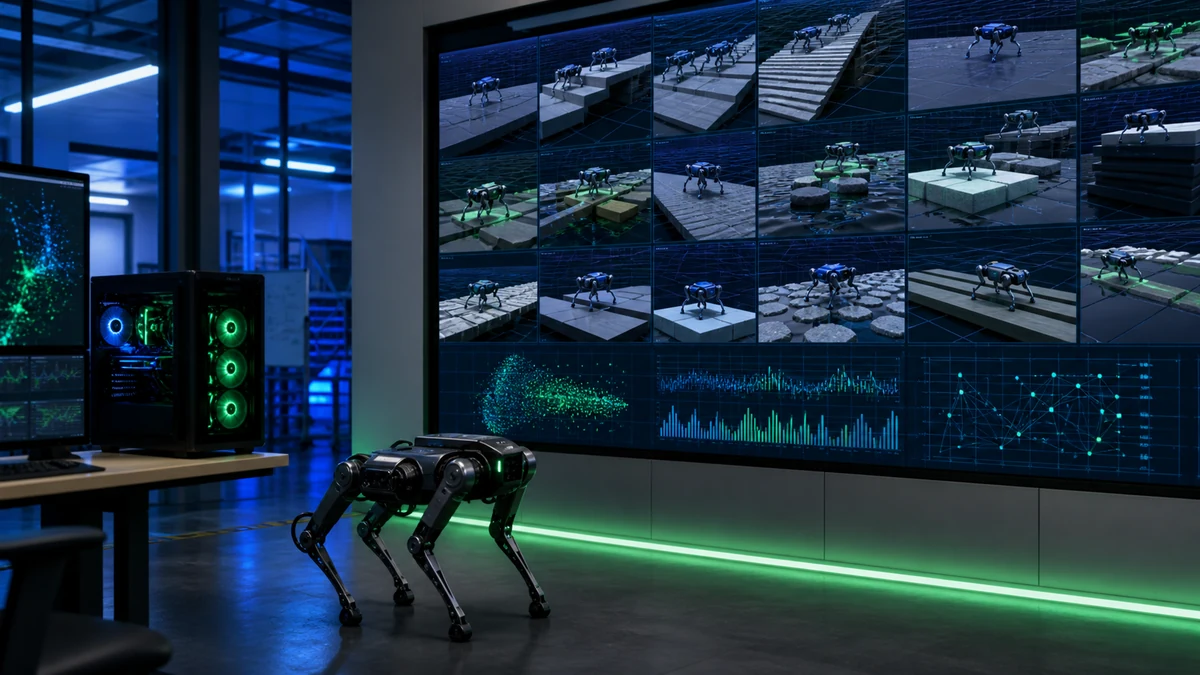
The shortest reliable route is to clone the project, create an isolated Python environment, install the CUDA-matched JAX build, verify that JAX reports a GPU backend and then run a small Cartpole PPO job. The official MuJoCo Playground repository offers a PyPI package, but recommends installing from source for current features and fixes and requires Python 3.10 or newer.
Your first run is an infrastructure test. A command returning without an error is not enough: confirm environment loading, GPU selection, training metrics, evaluation output and a usable checkpoint. Only after that chain works should you add robot assets, contact-heavy tasks or vision. Simulation training also remains separate from a safe real-robot deployment.
Record the machine and software boundary before installing
The current source instructions use uv, a Python 3.12 virtual environment and a CUDA 12 JAX wheel as a tested path. Python 3.10 is the stated minimum, but dependency details can change between releases and repository HEAD. An isolated project environment avoids silently replacing libraries used by another robotics stack.
Write down the operating system, GPU model, driver, Python version and repository commit before debugging. CUDA problems often appear as a CPU fallback, a missing library during initialization or an incompatible wheel. Capturing the boundary first makes a later successful setup reproducible by another machine.
| Prerequisite | Practical check |
|---|---|
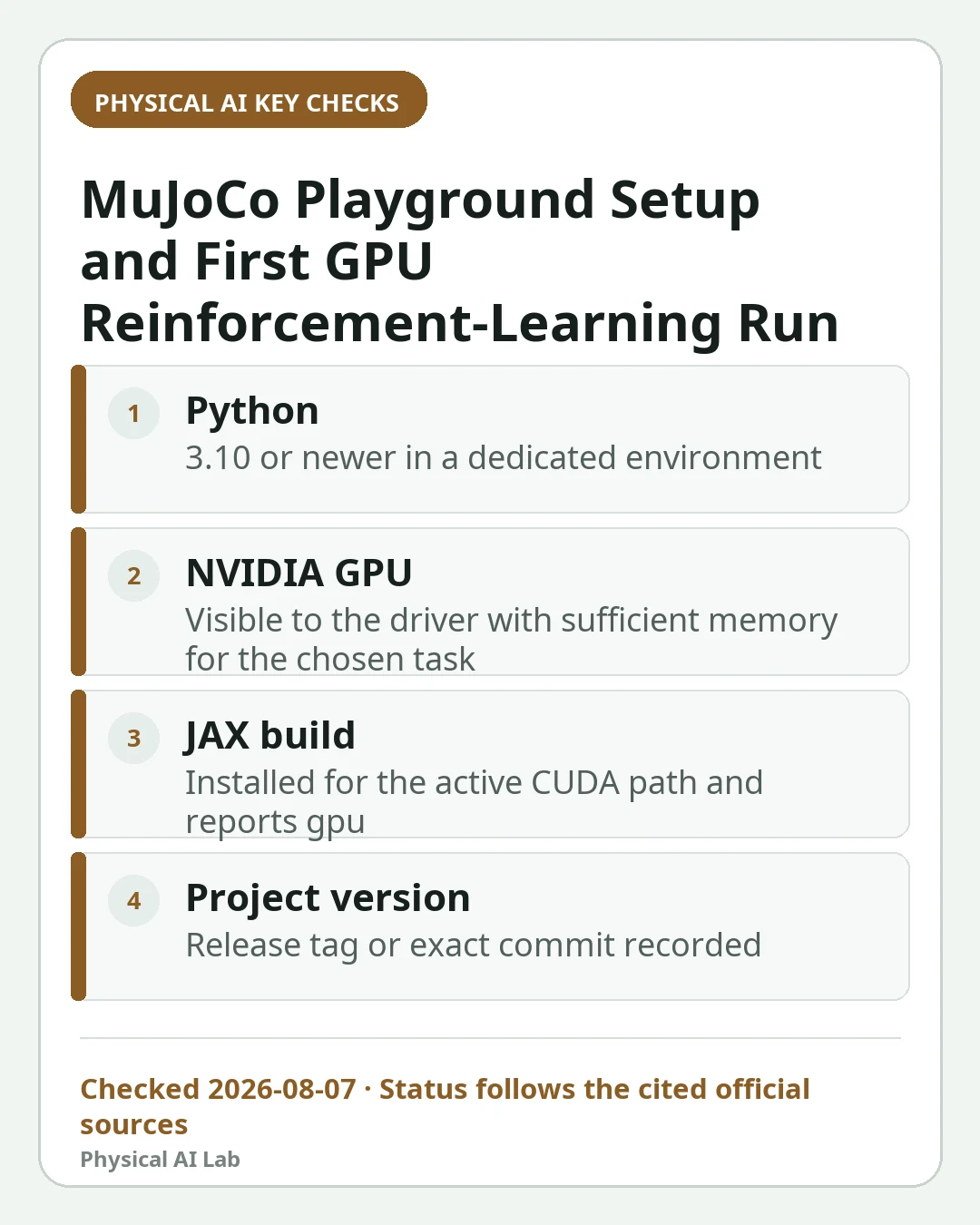
| Python | 3.10 or newer in a dedicated environment |
| NVIDIA GPU | Visible to the driver with sufficient memory for the chosen task |
| JAX build | Installed for the active CUDA path and reports gpu |
| Project version | Release tag or exact commit recorded |
Install in checkpoints instead of one opaque command
Clone the repository, enter its directory, create and activate the uv environment, then install the CUDA JAX wheel. Synchronize the repository dependencies only after the backend package is in place. Keeping the steps separate tells you whether a failure belongs to Python, CUDA, dependency resolution or Playground itself.
Check the current official project documentation at the time of installation because commands can evolve. First run a one-line JAX backend check and require the output gpu. Then import mujoco_playground. The first locomotion or manipulation load may download Menagerie assets, so a restricted network can cause a later failure even when the Python package installed correctly.
| Checkpoint | Success signal |
|---|---|
| Virtual environment | The interpreter resolves inside the project |
| JAX backend | jax.default_backend returns gpu |
| Dependency sync | Completes without unresolved version conflicts |
| Package import | mujoco_playground imports in the same environment |
Use CartpoleBalance as a fast end-to-end test
The repository's basic CLI example is `train-jax-ppo –env_name CartpoleBalance`. It avoids the asset and sensor complexity of a legged or manipulation task while still exercising environment creation, vectorized stepping, PPO updates, logging and evaluation. That makes it a useful first diagnostic rather than a meaningful robotics benchmark.
For the Warp implementation, add the documented implementation option only after checking current support notes. A healthy run should progress through steps and report reward or evaluation values. GPU utilization alone is insufficient: a job can consume memory while producing NaN values, an unchanging reward or an invalid policy.

Pin versions and precision before comparing results
The official releases page provides a stable reference for features and dependency changes. Repository HEAD can move between two attempts, so save the commit with every result. If reproducing a paper, verify that the training entry point and configuration match the reported experiment rather than assuming two PPO scripts are identical.
The repository warns that JAX's default TF32 matrix behavior on some NVIDIA Ampere GPUs can affect reproducibility. When the comparison requires it, set matrix multiplication precision to highest and record that choice. Even then, compare distributions across several random seeds instead of expecting bit-for-bit equality from parallel GPU simulation.
Prove the output can be resumed before scaling the task
Archive the environment name, seed, configuration, code commit, training metrics, evaluation metrics and checkpoint path together. Restart a fresh process, load the checkpoint and run evaluation with a held-out seed. This catches the common failure where a training dashboard looked healthy but the saved artifact is missing, incompatible or tied to an unstated wrapper.
Move to G1 locomotion, Panda manipulation or vision only in stages: load the environment, step random actions, run a short update, inspect resets, then extend training. Contact models, observations, control rates and assets add several failure sources at once. A staged route preserves a known-good baseline.
| Artifact | Why it matters |
|---|---|
| Commit and dependency lock | Rebuild the same software state |
| Environment, seed and config | Interpret differences between runs |
| Training and evaluation logs | Detect divergence and overfitting |
| Checkpoint and load test | Confirm the policy is actually reusable |
Keep GPU training speed separate from real-robot evidence
Use the robot simulator comparison to decide whether Playground fits the task, the Sim-to-Real transfer guide for the concept, and why Sim-to-Real fails before claiming that a simulated score will survive real sensors and actuators.
The official technical report supplies the framework and experimental context. The repository also states that MuJoCo Playground is not an officially supported Google product. Before deploying any learned policy on hardware, add limits, emergency stop logic, latency tests, sensor-noise evaluation and a supervised safety review.
Frequently asked questions
Should I install MuJoCo Playground from PyPI or source?
PyPI installation is available, but the repository recommends source installation for the latest features and fixes. Pin a release or commit when reproducibility matters.
Can I use MuJoCo Playground without a GPU?
Some small checks may run on another backend, but the framework's central benefit is massively parallel GPU training. Verify that JAX actually reports gpu before treating performance as representative.
Does a successful Playground policy work on a real robot?
Not automatically. Dynamics, latency, sensing, contacts and actuator limits differ, so transfer and safety validation remain separate engineering stages.
Official sources checked
- Google DeepMind MuJoCo Playground repository
- MuJoCo Playground official documentation
- MuJoCo Playground official releases
- MuJoCo Playground technical report
2026-08-07