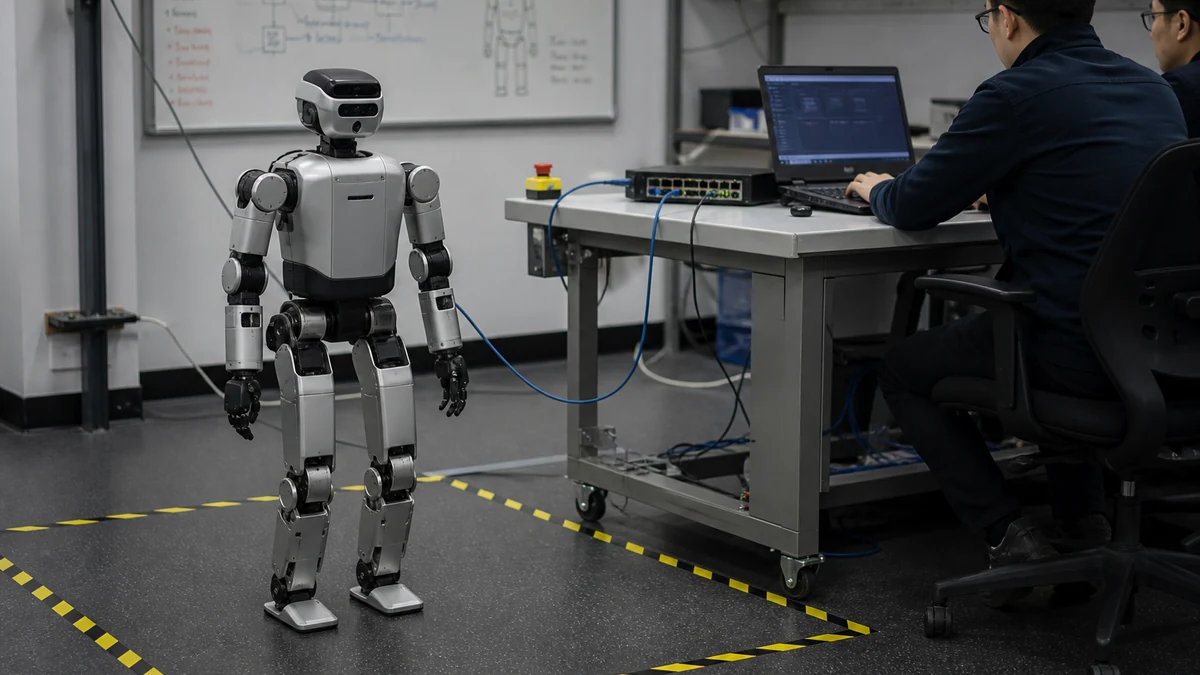
Use G1 EDU, not the base-price G1, when secondary development is the requirement. Unitree's official G1 table marks Secondary Development with a slash for the regular G1 and YES for G1 EDU; the listed US $13.5K starting price belongs to the regular G1, while EDU remains Contact sales. Before installing anything, make the order, label and supplied documentation confirm the EDU configuration and the interfaces enabled for that unit.
For the most direct ROS 2 route, Unitree's current unitree_ros2 repository recommends Ubuntu 22.04 with ROS 2 Humble and describes CycloneDDS 0.10.2. Connect the development PC by Ethernet, set the documented 192.168.123.99/24 host address on the correct interface and prove that G1 state messages are arriving before sending a movement command. The ROS 2 QoS guide helps after basic DDS discovery works; it cannot repair a wrong model entitlement, network interface or middleware version.
Confirm G1 EDU and development access before building the workstation
The official Unitree G1 page distinguishes the two buying questions that are often collapsed. A regular G1 is shown from US $13.5K before tax and shipping, but its Secondary Development entry is not YES. G1 EDU is the development-oriented route and is quoted through sales. Do not treat the regular model's public price as the EDU price or infer SDK rights from the robot's appearance.
G1 EDU is listed at approximately 35 kg or more, with 23 to 43 degrees of freedom depending on configuration. The product page also presents about two hours of battery life and an 18-month warranty, but runtime varies with configuration and task, and the complete warranty terms control. Those ranges are another reason to record the exact arms, wrists, hands and computing options on the purchase order.
Ask Unitree or the authorized seller to identify the delivered hardware revision, firmware, enabled development interface, onboard computer, hand option, emergency-stop equipment, documentation set and support channel. A repository that contains G1 messages does not by itself grant access to every capability on every G1 SKU.
| Preflight item | Regular G1 | G1 EDU | Required evidence |
|---|---|---|---|
| Published price status | From US $13.5K, excluding tax and shipping | Contact sales | A quote for the exact EDU configuration |
| Secondary Development table entry | Slash rather than YES | YES | Order and serial documentation identifying G1 EDU |
| Degrees of freedom | Configuration-dependent | 23 to 43 across listed EDU configurations | Joint and hand list for the delivered robot |
| Software access | Do not infer from base price | Development-oriented, but scope still depends on configuration | SDK, firmware and interface entitlement in writing |
| Safety equipment | Configuration and package must be checked | Configuration and package must be checked | E-stop, controller and operating procedure inventory |
| First test | No assumption of secondary development | Read-only wired telemetry | Recorded state stream with no motion command |
SDK2, Python SDK2 and ROS 2 are three paths, not one installer
The C++ unitree_sdk2 repository is Unitree's native communications and control library. Its documented prebuilt baseline is Ubuntu 20.04 LTS on aarch64 or x86_64 with GCC 9.4.0, and the build requirements include CMake 3.10 or newer, GCC 9.4.0 and Make. That is a useful compatibility statement for this path; it is not the ROS 2 recommendation.
The Python SDK2 repository requires Python 3.8 or newer and identifies CycloneDDS 0.10.2 alongside NumPy and OpenCV. Python is convenient for diagnostics and experimental tooling, but its package environment should be isolated so that a global CycloneDDS upgrade does not silently alter communication with the robot.
The official unitree_ros2 repository documents Ubuntu 20.04 with Foxy and Ubuntu 22.04 with Humble, recommending the latter combination. Choose one route for the first connection. Running C++ SDK2, Python SDK2 and ROS 2 participants at once makes discovery, interface selection and version conflicts harder to isolate.
| Path | Documented baseline | Best first use | Do not assume |
|---|---|---|---|
| C++ SDK2 | Ubuntu 20.04 LTS; aarch64 or x86_64; GCC 9.4.0; CMake 3.10+ | Native examples and direct SDK integration | That its prebuilt baseline is the same as ROS 2 Humble |
| Python SDK2 | Python 3.8+; CycloneDDS 0.10.2; NumPy; OpenCV | Read-only tools, logging and rapid experiments | That any newer CycloneDDS package is compatible |
| ROS 2 Foxy | Ubuntu 20.04 plus Foxy; repository describes a 0.10.x CycloneDDS build route | Maintaining an existing Foxy lab | That Foxy and Humble setup steps are interchangeable |
| ROS 2 Humble | Ubuntu 22.04 plus Humble, recommended by Unitree | New ROS 2 workstation | That every G1 feature is covered because G1 examples exist |
| Mixed stack | Not a first-connection baseline | Later integration after each path works alone | That multiple DDS participants will select the intended NIC automatically |
Pin the repository, operating system and CycloneDDS version together
Treat the checked README, repository revision and dependency versions as one tested set. Record the Git commit, Ubuntu release, ROS distribution, compiler, Python environment and CycloneDDS version in the lab log. Unitree's current Python and ROS 2 material centers on CycloneDDS 0.10.2; that is a dated vendor baseline, not a claim that 0.10.2 must remain correct forever.
Do not upgrade DDS middleware in the middle of connection debugging. A change can alter discovery, network-interface selection, type support or package compatibility while leaving the application code untouched. Reproduce the official environment first, archive the dependency lock, and test an upgrade on a separate image with the same recorded robot state input.
Keep ROS workspaces separate from the C++ SDK build and from the Python virtual environment. Source only the intended ROS distribution and workspace in a fresh terminal. When a shell has inherited several overlays, a successful package lookup can still load the wrong message or library version.

A wired, single-interface DDS link removes the first layer of ambiguity
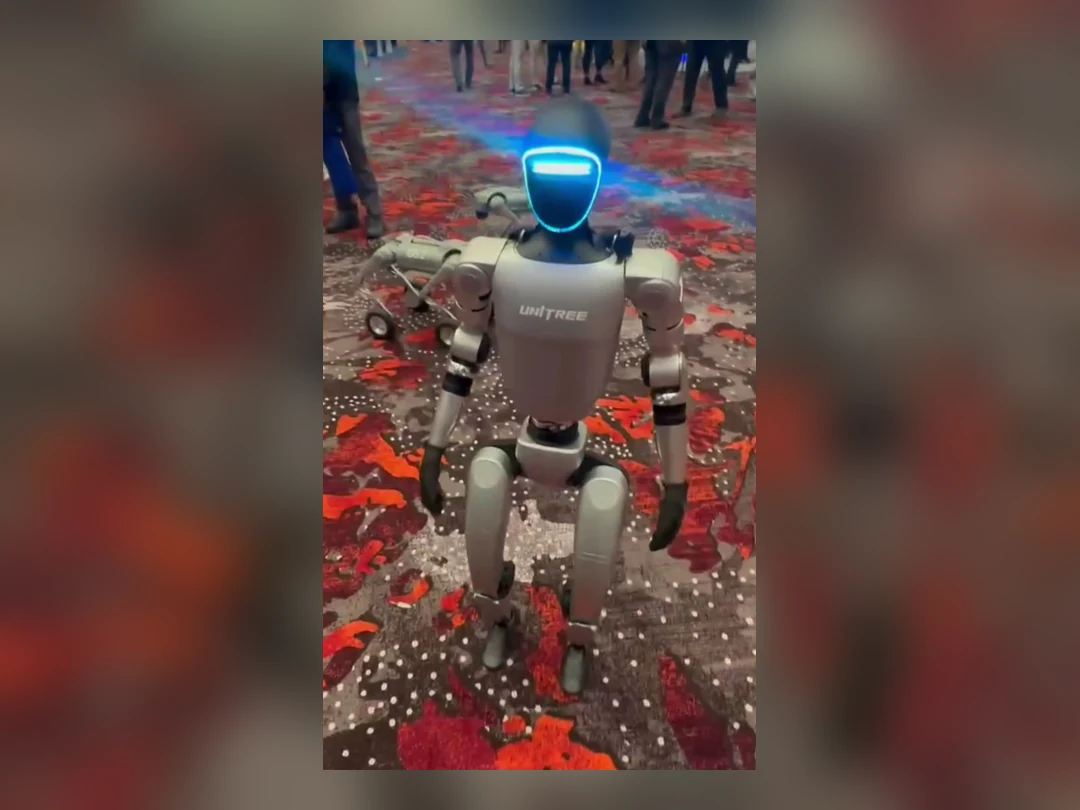
Unitree's ROS 2 example connects the PC and robot through Ethernet and assigns the PC 192.168.123.99 with subnet mask 255.255.255.0. Apply that address to the physical Ethernet adapter connected to G1, not to Wi-Fi, a VPN, Docker bridge or unrelated USB NIC. Use the actual interface name in the CycloneDDS configuration referenced by CYCLONEDDS_URI.
Disable or deliberately exclude other candidate interfaces during the first test. DDS can discover over multicast, and an automatic selection that chooses Wi-Fi or a virtual adapter can look like a ROS topic problem. Confirm link state, host address, subnet and packet activity before changing QoS or rebuilding message packages.
Keep the robot network isolated from the public internet and untrusted devices. Once communication works, the ROS 2 and DDS cybersecurity guide helps define segmentation, access control, update practice and logging. Security changes should be introduced with a rollback test so they do not become indistinguishable from middleware failure.
| Network check | Expected first-test state | If it fails |
|---|---|---|
| Physical link | Dedicated Ethernet link is up | Check cable, adapter, robot port and power before ROS |
| Host IPv4 | 192.168.123.99 with 255.255.255.0 mask on the robot-facing NIC | Remove a duplicate address and verify the selected adapter |
| Interface selection | CycloneDDS points to the robot-facing NIC | Inspect CYCLONEDDS_URI and exclude Wi-Fi, VPN and virtual bridges |
| DDS version | Matches the checked Unitree path, currently 0.10.2 | Return to the pinned environment before changing code |
| Discovery | Expected G1-related topics or participants appear | Capture traffic and verify domain, interface and message build |
| Security boundary | Private lab segment with controlled hosts | Do not expose the robot DDS network to a broad office LAN |
The first successful test is a stable read-only state stream
After sourcing the intended environment, use ros2 topic list to see what the running system actually publishes. Do not begin from a copied topic name or a motion example. The repository includes G1/H1-family low-state material such as read_low_state_hg and a wireless-controller example, but the top-level support wording and example inventory do not prove a complete, uniform G1 feature set.
Choose a state-only example that matches the delivered model and firmware. Observe joint state, IMU or controller messages long enough to see stable updates, plausible ranges and clean reconnect behavior. Record topic names, types, frequency, timestamps, sequence continuity and the exact launch context. A single printed sample proves much less than a repeatable stream.
Save a short diagnostic bag only after live state is trustworthy. The rosbag2 recording and QoS guide explains how a recorder can miss data when QoS is incompatible. A bag that opens successfully is not evidence that every expected topic was captured.
Control examples belong behind a separate safety gate
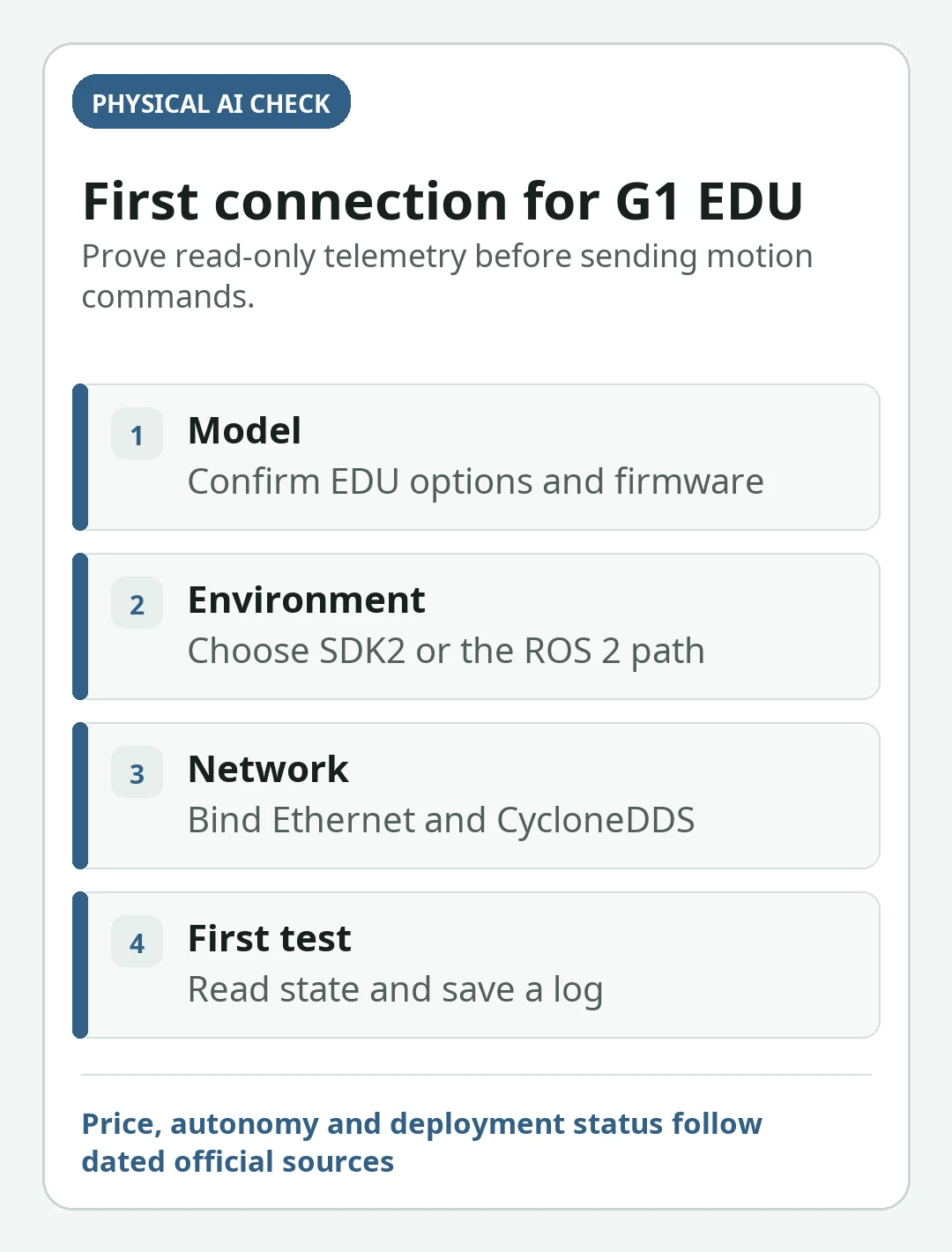
Receiving telemetry confirms transport and serialization; it does not authorize motion. Before any command, establish the model and firmware match, a clear test area, physical restraints or support appropriate to the test, an accessible emergency stop, one named operator, a spotter, command limits, timeout behavior and a documented way to remove power. Unitree warns that the humanoid is a powerful, complex machine and requires ample safety distance.
Move from read-only state to a narrowly bounded command only under Unitree's current instructions for that exact unit. Do not use walking, special-motion or low-level torque examples as a communications smoke test. If a command path publishes continuously, define what happens when the node exits, DDS disappears, a stale command persists or the operator releases the control.
ROS 2 interfaces do not automatically provide a standard ros2_control hardware layer. The ros2_control hardware-interface guide describes the lifecycle and command/state contracts an integrator may build, but it should not be presented as Unitree's official G1 implementation. Likewise, the robot emergency and protective stop guide helps separate stop purposes; it does not replace the supplied safety manual or a qualified risk assessment.
Diagnose the layer that failed instead of reinstalling everything
A missing topic can originate in hardware entitlement, firmware, Ethernet, CycloneDDS discovery, message compilation, ROS overlays or the application. Test in that order. Reinstalling ROS before confirming link traffic changes several variables while leaving the likely fault untouched. Preserve one known-good workstation image and one read-only command sequence as the lab baseline.
If DDS participants are visible but data is absent, verify message definitions, topic type and whether the example covers the G1 configuration. If data arrives but frequency or continuity is wrong, inspect timestamps, host load, network loss and QoS. If state works in SDK2 but not ROS 2, the boundary is likely the ROS bridge, workspace or message layer rather than the robot link.
After a successful session, document the serial number, configuration, firmware, repository revisions, OS image, DDS file, NIC name, topic inventory, state rates and safety setup. Compare broader model choices with the Unitree R1, G1 and H1/H2 guide and procurement terms with the Unitree price and buying guide; neither page should be used to infer the SDK rights of the delivered unit.
| Symptom | First layer to inspect | Evidence to collect | Avoid |
|---|---|---|---|
| No network traffic | Cable, port, power and IPv4 setup | Link state, adapter address and packet capture | Changing ROS packages |
| Traffic but no DDS discovery | CycloneDDS version and interface | DDS configuration, NIC name and participants | Adding more network adapters |
| Topics appear but no samples | Message type, firmware and example scope | Topic type, console errors and repository revision | Assuming every example supports every G1 |
| Samples are intermittent | QoS, timestamps, load and packet loss | Rates, gaps, CPU use and capture | Jumping to control commands |
| SDK2 works, ROS 2 fails | ROS overlay and bridge build | Environment variables, package paths and types | Reflashing the robot without vendor direction |
| State works, command does not | Entitlement, operating mode and safety interlocks | Official model-specific procedure and error state | Bypassing a stop or sending higher-level motion |
Frequently asked questions
Can the regular $13,500 Unitree G1 be used for SDK2 and ROS 2 development?
Do not assume so. Unitree's official table marks Secondary Development with a slash for regular G1 and YES for G1 EDU. Development buyers should obtain G1 EDU and written confirmation of the interfaces, firmware and support included in the exact order.
Should a new G1 EDU ROS 2 workstation use Ubuntu 22.04 and Humble?
That is Unitree's currently recommended ROS 2 combination. Keep it distinct from the C++ SDK2 prebuilt baseline, which documents Ubuntu 20.04 and GCC 9.4.0, and pin the repository and CycloneDDS versions used for the test.
What should I run first after connecting G1 EDU by Ethernet?
First verify the dedicated NIC and DDS discovery, then list topics and run a model-appropriate read-only state example such as the documented G1/H1-family low-state path. Do not use walking, special-motion or torque commands as the first communications test.
Official sources checked
- Unitree: G1 official product page and configuration table
- Unitree Robotics GitHub: unitree_sdk2
- Unitree Robotics GitHub: unitree_sdk2_python
- Unitree Robotics GitHub: unitree_ros2
Last checked: August 6, 2026