A frame camera samples an intensity image during each exposure. An event camera reports asynchronous pixel-level brightness changes with polarity and timestamps. The distinction is the measurement, not a simple comparison between low and high frame rate.
Event sensing can reduce motion blur and expose rapid change under difficult contrast, but it does not continuously describe static color or texture. Event rate varies with the scene, sensor thresholds, motion and flicker, so bandwidth and compute are not fixed by one frames-per-second number.
Use this guide with the robot time-synchronization guide and robot edge-compute guide. Select and validate the complete optics, sensor, processing and task pipeline.
Compare the measurements before comparing specifications
A conventional pixel records integrated light over an exposure interval. The output is an array with a common frame identity, although rolling-shutter rows may represent different times. Color filters and image-signal processing can provide familiar RGB input to standard vision models.
An event pixel emits a change when log intensity crosses a contrast threshold relative to its previous reference. Typical output contains x and y address, timestamp and polarity. A quiet pixel emits nothing even though the object remains visible to a human.
Write down which task evidence is required: absolute appearance, change timing, color, edges, motion or a combination. That answer is more useful than labeling either device universally faster.
Frame exposure and readout create a latency floor
A frame result cannot finish before exposure, readout, transport and processing occur. Short exposure reduces motion blur but also collects less light. Raising analog or digital gain can increase visible noise, while a longer exposure smears moving features.
Frame period and latency are not identical. Measure the physical stimulus-to-output delay and its distribution, including camera buffering and host scheduling, rather than inferring response from nominal frame rate.
| Property | Frame camera | Event camera | Test evidence |
|---|---|---|---|
| Output | Intensity image | Brightness-change events | Raw packet inspection |
| Time representation | Exposure and readout | Per-event timestamp | Stimulus-to-host latency |
| Static scene | Continuously represented | Few or no events | Stop-and-hold trial |
| Fast motion | Exposure blur possible | Change edges remain temporal | Known-speed target |
| Data rate | Mostly frame-driven | Scene-activity driven | Worst-scene log |
Events preserve change timing without a global frame
Event timestamps can resolve rapid change more finely than a conventional frame interval. This supports tracking, optical flow, vibration and other tasks where change time matters. The current Metavision SDK documentation provides event-based processing tools and examples.
Fine timestamps do not guarantee end-to-end low latency. Sensor packetization, USB or network transfer, accumulation windows and inference scheduling add delay. Measure the complete deployed path.
High dynamic range does not remove lighting failure
Event sensors can operate across large brightness variation because pixels respond to local relative change. This can retain motion evidence where a frame contains saturated and dark regions. The result still depends on optics, pixel noise and sensor bias settings.
Lighting flicker, LED pulse-width modulation and moving shadows can create large irrelevant event streams. Low contrast or photon-starved regions may produce weak or noisy evidence. Include actual lamps and exposure transitions in the benchmark.
Static objects and appearance favor frames
A stopped object produces few events after its brightness settles. Event-only recognition must depend on recent motion, deliberate camera motion, a reconstructed representation or an additional sensor. Printed text, color and fine stationary texture are more directly available in frames.
Do not evaluate only a moving target against a blank background. Add pauses, slow motion, background motion and required appearance cues. A detector that excels during motion may lose the object at the exact moment a robot must hold or inspect it.
Event rate replaces fixed frame rate with workload variability
A static scene can generate a small stream, while fast texture, vibration or flicker can create millions of events per second. The maximum path must handle sensor output, bus traffic, buffering, memory and algorithm load without silently dropping critical events.
Log event rate distributions and overflow indicators through the real task. Define a policy for overload, packet loss and clock discontinuity. Average bandwidth is inadequate for sizing a system with burst-driven deadlines.
Choose the representation window intentionally
Many algorithms accumulate events into count images, time surfaces, voxel grids or fixed-duration slices. The window trades signal density against latency and motion mixing. A long window looks more image-like but can erase the temporal advantage.
Tune the representation on held-out speeds and scenes. Expose window age and event count to downstream software so it can distinguish a sparse valid interval from a stale or overloaded result.
| Failure case | Likely symptom | Discriminating test | Possible response |
|---|---|---|---|
| Static target | No recent events | Stop target in view | Fuse frame or active motion |
| Lighting flicker | Global event burst | Replay installed lamps | Bias, filter or lighting change |
| Low contrast | Sparse edge evidence | Contrast sweep | Optics or sensor setting |
| Bus overload | Drops and timestamp gaps | Worst event-rate scene | Capacity and overload policy |
| Bad synchronization | Fused-object offset | Timed flashing or moving target | Hardware time alignment |
Calibrate optics and geometry for either sensor
Event cameras still need focus, lens selection, intrinsic calibration, distortion handling and a known transform to the robot. Calibration targets must create sufficient events, which may require moving the target or camera rather than holding both still.
Validate calibration across the field of view and operating focus. A precise spatial model cannot correct temporal offset, and accurate timestamps cannot correct a loose mount.
Synchronize events with robot state and other sensors
Fusion with frames, IMU, encoders or lidar requires a common time interpretation. Identify the clock source, timestamp event, transport delay and any synchronization pulse. Do not treat host arrival time as acquisition time without measurement.
The Prophesee synchronization documentation describes supported camera synchronization concepts. Record raw streams with the rosbag2 workflow and verify that replay preserves timing evidence.
Fusion can retain absolute appearance and rapid change
A hybrid sensor or calibrated camera pair can combine conventional images with event timing. Frames anchor color, texture and stationary objects; events add rapid edge change between frames. Fusion quality depends on spatial registration, exposure timing and clock alignment.
Design the failure behavior for each stream. If frames freeze while events continue, the system must not present an old appearance as current. If events overflow, a valid frame should not hide missing high-rate evidence.
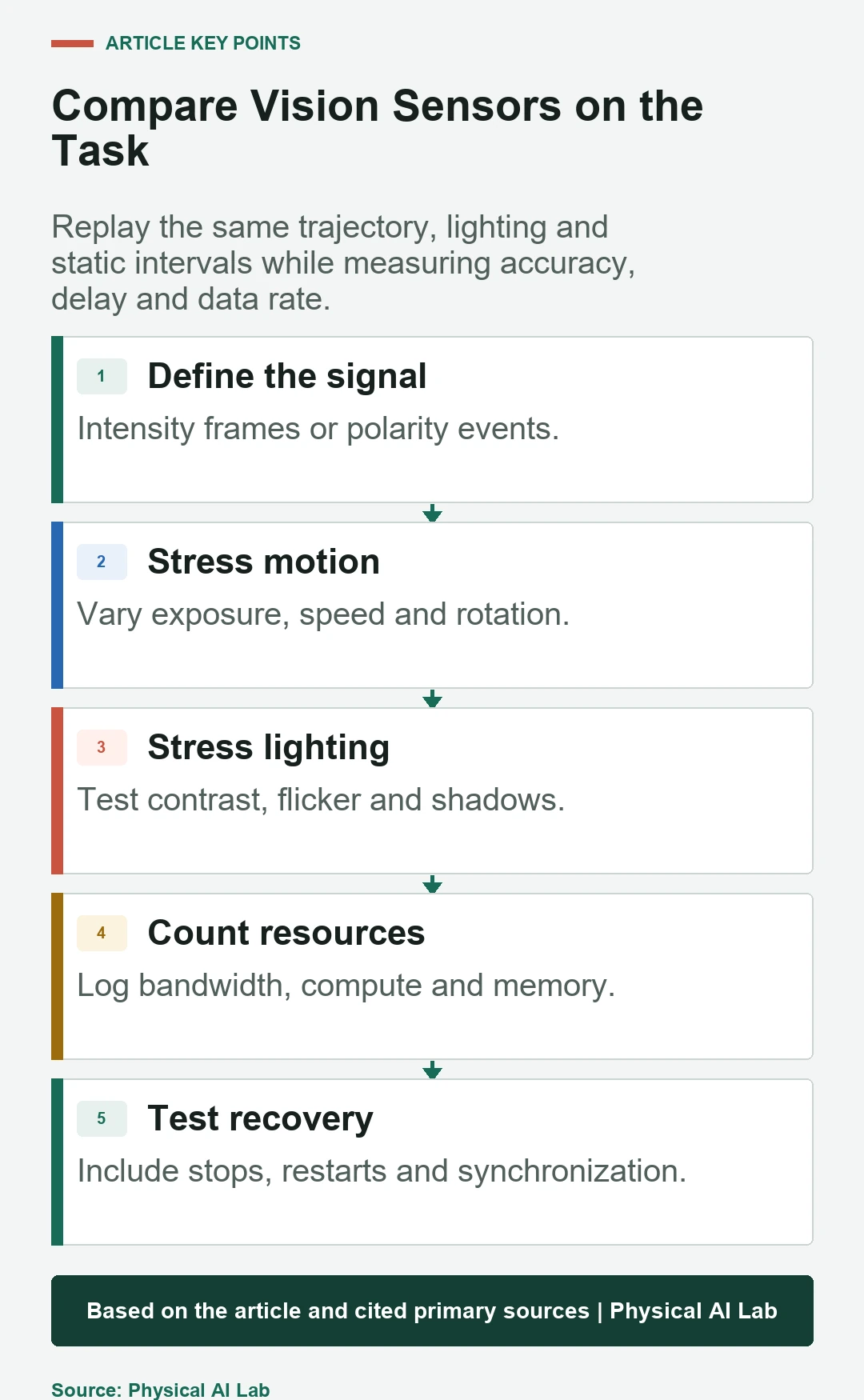
Benchmark the same physical task and ground truth
Use the same lens intent, trajectory, target, lighting and compute budget where practical. Measure task accuracy, detection delay, false alarms, data rate, power, thermal state and recovery after faults. Include stationary and slow intervals as well as headline fast motion.
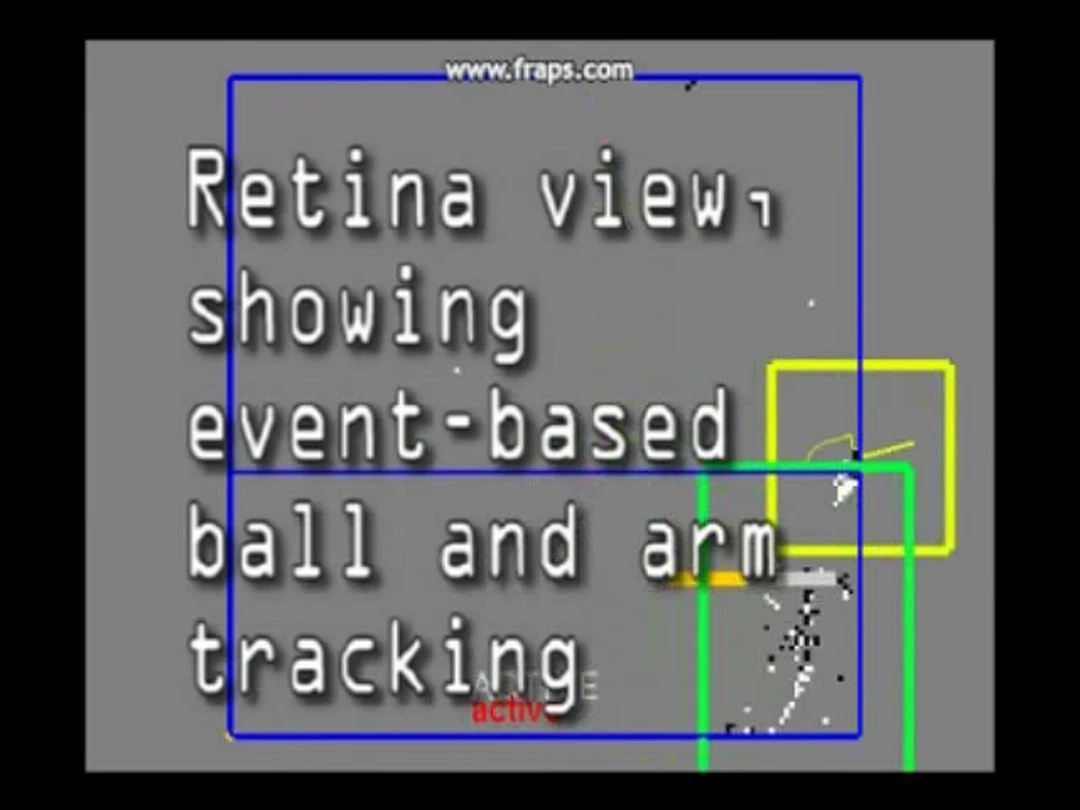
The foundational event-camera robot-goalie research demonstrates rapid event-based reaction, but one successful application does not establish universal superiority. Reproduce the evidence needed for the deployed robot.
Select the sensor as part of an evidence chain
Choose event sensing when asynchronous change timing materially reduces a measured failure and the team can operate the processing stack. Choose frames when appearance, color, static detail and ecosystem maturity dominate. Use both when their distinct evidence justifies added calibration and complexity.
Release with a concise checklist.
- Define required appearance and change evidence.
- Measure stimulus-to-decision latency, not nominal rate.
- Test stillness, motion, contrast and flicker.
- Size the event-rate burst path and overload response.
- Verify geometry, clocks, fusion and recovery on the robot.
Frequently asked questions
How many frames per second is an event camera?
It does not inherently output frames. It emits asynchronous change events; algorithms may accumulate them into chosen time windows.
Can a standard RGB detector consume events directly?
Usually not without converting events to a representation or using a model trained for event data.
Can an event camera see a stationary object?
After brightness stops changing it emits little evidence, so static appearance may require frames, reconstruction or deliberate motion.
Is an event camera always better in darkness?
No. Performance still depends on photons, contrast, optics, noise and sensor settings.
Can event and frame cameras be used together?
Yes, if their spatial calibration, timing, exposure behavior and independent failure states are validated.
Sensor Evidence and Application Boundary
Sensor choice does not establish perception safety or task performance by itself. Validate the complete installed pipeline and its failure response.