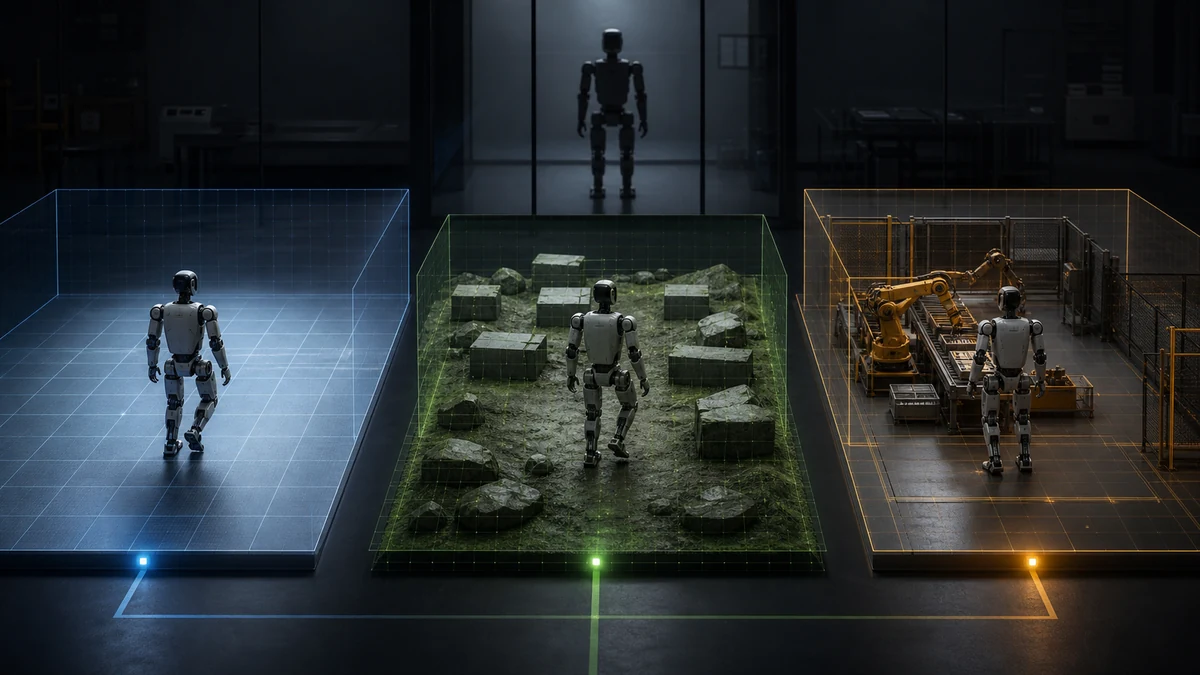
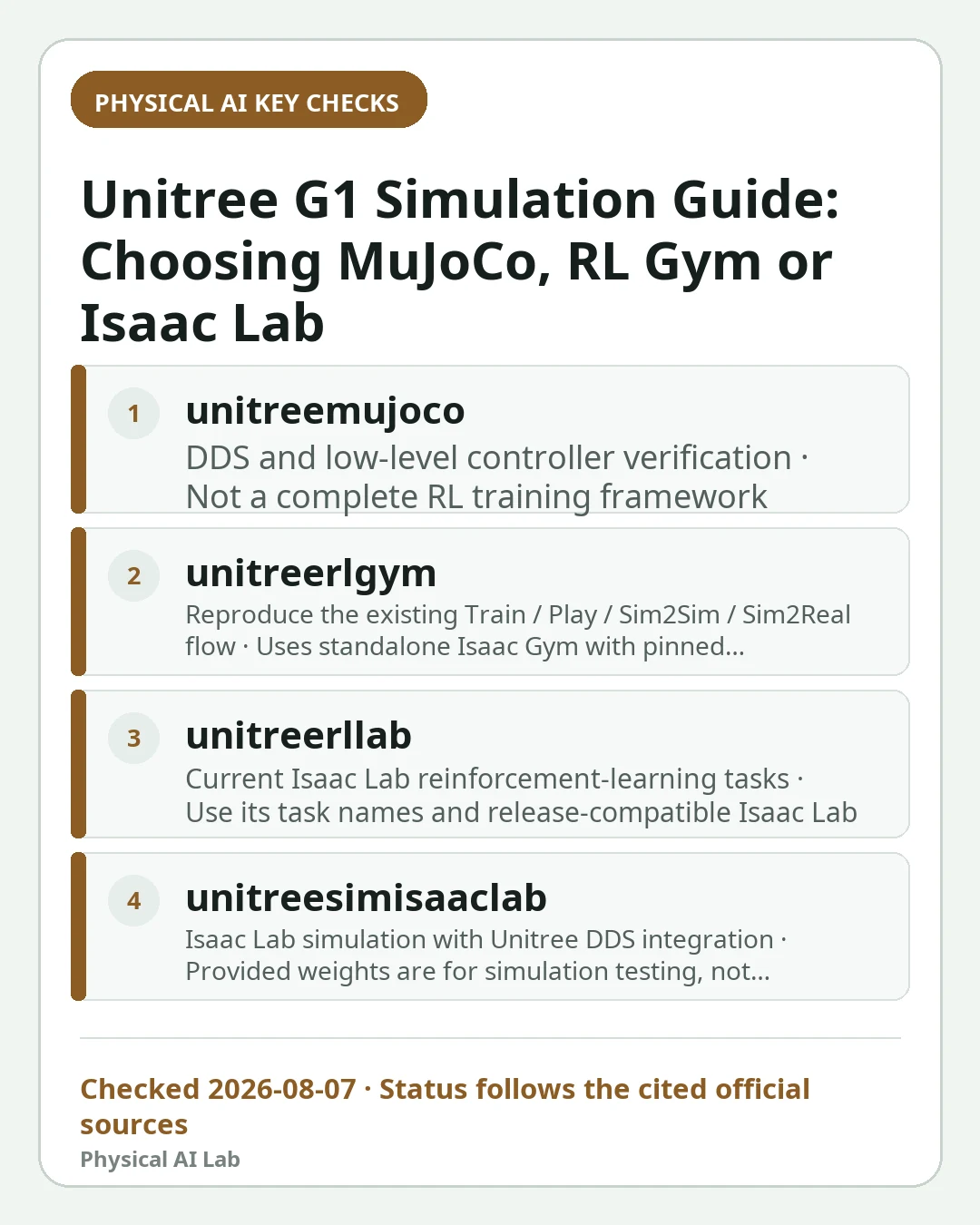
Unitree maintains several official G1 simulation repositories, but they solve different problems. `unitree_mujoco` is aimed mainly at low-level controller and sim-to-real verification, `unitree_rl_gym` uses the standalone NVIDIA Isaac Gym training stack, and `unitree_rl_lab` plus `unitree_sim_isaaclab` are Isaac Lab paths.
Choose by the first artifact you need, not by which simulator looks newest. This page covers a no-hardware start; the wider robot simulator comparison explains platform trade-offs, and the sim-to-real failure guide covers transfer gaps.
Three names point to three different workflows
The official MuJoCo repository couples Unitree SDK2 messaging with MuJoCo and offers C++ and Python implementations. Its README describes low-level development and controller verification, with G1 and H1-2 using the `unitree_hg` IDL family.
`unitree_rl_gym` uses the standalone NVIDIA Isaac Gym stack, whereas `unitree_rl_lab` is based on Isaac Lab. Calling both 'Isaac Lab' hides incompatible environments, package versions, task registries and deployment steps.
| Official path | Best first use | Important boundary |
|---|---|---|
| unitree_mujoco | DDS and low-level controller verification | Not a complete RL training framework |
| unitree_rl_gym | Reproduce the existing Train / Play / Sim2Sim / Sim2Real flow | Uses standalone Isaac Gym with pinned dependencies |
| unitree_rl_lab | Current Isaac Lab reinforcement-learning tasks | Use its task names and release-compatible Isaac Lab |
| unitree_sim_isaaclab | Isaac Lab simulation with Unitree DDS integration | Provided weights are for simulation testing, not automatic hardware deployment |
Choose MuJoCo when the controller interface is the question
Start with `unitree_mujoco` when you already have a low-level controller or SDK2 message loop and want to verify joint order, commands and observations without powering a robot. The official README recommends the C++ version and also provides Python examples.
Follow the G1-specific configuration and message type rather than running a Go2 default unchanged. Use loopback and an isolated DDS domain while learning the interface so simulation traffic cannot accidentally target a real robot.
Choose RL Gym for the standalone Isaac Gym workflow
`unitree_rl_gym` supports G1 and documents training, playback, sim-to-sim and sim-to-real stages. It can be useful for reproducing an existing Unitree locomotion workflow or checkpoint whose dependencies are already pinned.
Its setup uses standalone Isaac Gym, a Python 3.8 environment and specified PyTorch and RSL-RL versions. Do not mix commands from a current Isaac Lab tutorial into that environment and then attribute dependency errors to the robot model.

Choose Isaac Lab for the maintained learning path
For new reinforcement-learning work, inspect `unitree_rl_lab`, which lists G1-29dof tasks, and `unitree_sim_isaaclab`, which supplies G1 and H1-2 simulation and DDS-compatible paths. Verify the repository's current Isaac Lab compatibility before installation.
Select one repository as the source of truth for task names, assets and launch commands. Combining URDF or USD assets, reward files and configuration fragments across branches without a version record makes results difficult to reproduce.
| First-run check | Record | Failure it prevents |
|---|---|---|
| Repository state | URL, branch/tag and commit | Silent upstream changes |
| Robot asset | G1 variant and joint list | Wrong degrees of freedom or order |
| Middleware | Interface type, network interface and DDS domain | No messages or unsafe cross-talk |
| Control | Mode, rate, gains and action scale | Unstable or saturated motion |
| Evaluation | Seed, terrain, perturbations and success criteria | Cherry-picked playback |
A minimal sequence starts with smoke tests
Clone the chosen official repository, check its README at the pinned commit and create the exact environment it specifies. Load the G1 asset, run a passive or standing example with one simulation instance, inspect joint names and limits, and only then increase parallel environments or train a policy.
For learning, separate training and evaluation seeds and save the environment configuration with the checkpoint. The domain randomization guide is useful only after the nominal model and interfaces are correct.
Sim-to-real is a new verification phase
Before hardware, verify controller frequency, state latency, units, joint mapping, torque and position limits, normalization statistics, startup pose and loss-of-communication behavior. Begin with support, conservative limits and an accessible emergency stop.
Official repository support means a path exists; it does not guarantee that an arbitrary policy is safe or effective on every G1 configuration. Treat each exported checkpoint as a versioned control artifact requiring its own review.
Frequently asked questions
Is unitree_rl_gym an Isaac Lab project?
No. It uses the standalone NVIDIA Isaac Gym stack. Unitree's `unitree_rl_lab` and `unitree_sim_isaaclab` are the Isaac Lab paths.
Which repository should I use to test a low-level G1 controller?
Use `unitree_mujoco` when the main goal is SDK2/DDS message and controller verification. Follow its G1 configuration and isolate the DDS domain.
Can I deploy a simulation checkpoint directly to G1?
No. Verify the robot variant, joint mapping, units, timing, limits, normalization and safety behavior, then use a staged low-energy hardware test.
Official sources checked
- Unitree official MuJoCo repository
- Unitree official standalone RL Gym repository
- Unitree official Isaac Lab RL repository
- Unitree official Isaac Lab simulation repository
- Unitree developer documentation
Last checked: August 7, 2026